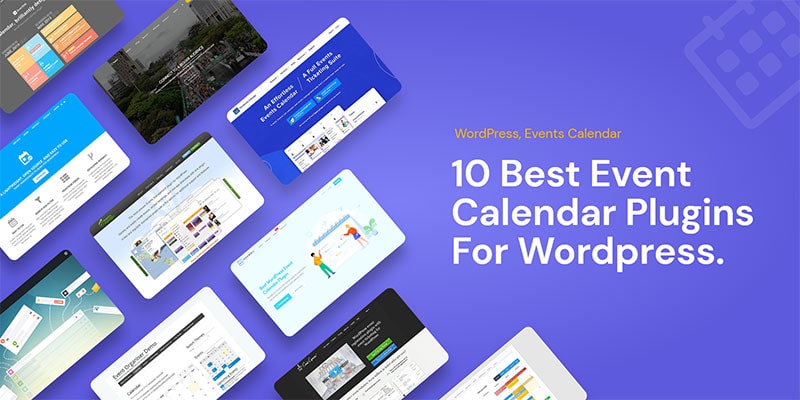
Best WordPress Event Calendar Plugins List
WordPress event calendar plugins can do much more than place dates on a page. The best options help teams create event pages, publish recurring schedules, sell tickets, manage attendees, display maps, organize venues, support registrations, and present events in a format visitors can quickly understand.
The right plugin depends on your website goals. A conference website may need speaker pages, ticket sales, check-in tools, and schedule filtering. A community calendar may need front-end submissions and recurring local events. A training provider may need bookings, payment options, attendee records, and automated notifications.
Selection note: Choose the plugin that matches your event workflow first. Visual design matters, but the best event calendar tool is the one that supports how you publish, promote, book, and manage events every week.
Modern Events Calendar
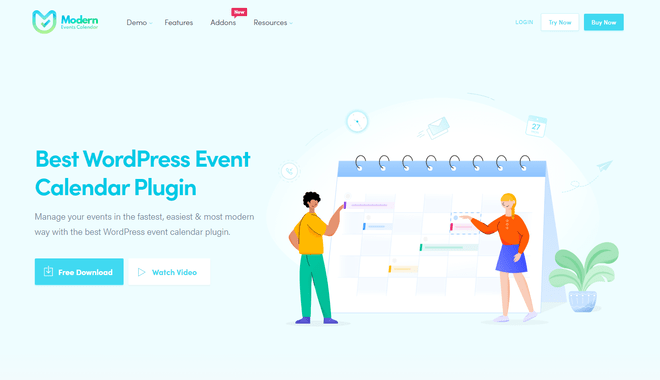
Modern Events Calendar is one of the strongest WordPress event calendar plugins for websites that need attractive event displays, flexible management tools, and a modern user experience. It includes the core features an event calendar should have while placing special emphasis on visual presentation and responsive design.
Its designers focused heavily on how events appear to visitors. The plugin includes many calendar views based on modern web design trends, helping site owners create event pages, calendars, booking flows, and listings that feel polished rather than generic.
Modern Events Calendar also lets users adjust the default calendar styling so the calendar can better match the look of the website. Its responsive layouts make it practical for visitors booking or browsing events from desktops, tablets, and mobile devices.
The Events Calendar
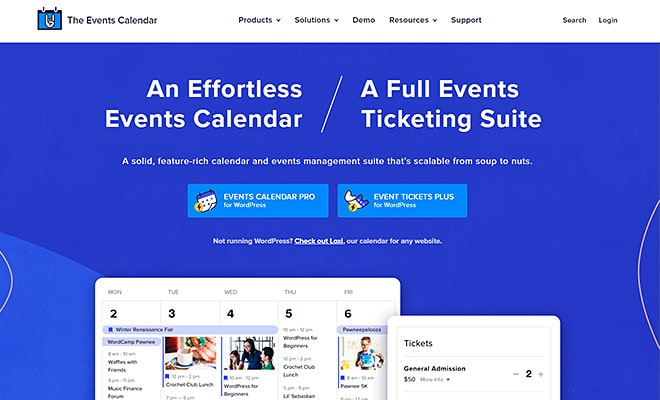
The Events Calendar is a well-known WordPress event management plugin with a free version and a broad ecosystem of add-ons. It is designed with WordPress compatibility in mind and supports common event display formats such as list and calendar views.
The plugin can display multiple events, show partial or complete event information, and help users publish schedules in formats that are easy for visitors to scan. It also supports recurring events and can be extended for ticketing, registrations, analytics, and integrations.
The Events Calendar is a practical option for users who want a familiar event publishing workflow and the ability to expand the setup over time with additional features.
EventOn
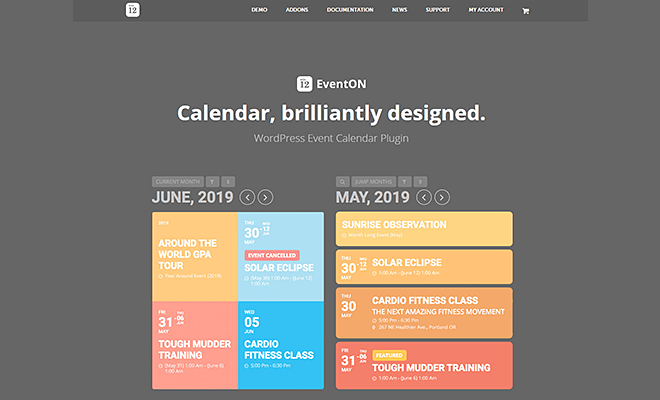
EventOn is a premium WordPress event calendar plugin known for its minimalist visual style. It gives users multiple ways to create and display events and includes a shortcode generator that helps place calendars throughout a WordPress site.
With EventOn, users can create repeating events, customize calendar views, style event colors, and build visually engaging event listings. Its title and layout presentation can help events feel more lively and easier to browse.
EventOn is a strong fit for users who care about clean design and want flexible shortcodes for placing calendars in different locations. However, site owners should review integration requirements before committing, especially if they need Google Calendar synchronization or automatic update support.
Timely All-in-One Events Calendar
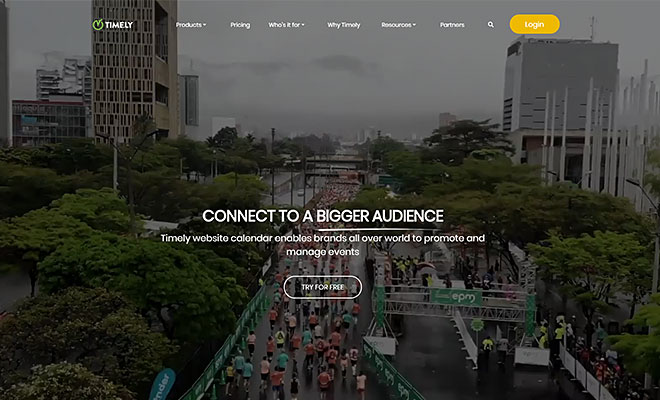
Timely All-in-One Events Calendar is designed to reduce the time required to create and publish events. Its interface, visual calendar presentation, and publishing tools make it a notable option for users who want to launch events quickly.
The plugin includes social sharing features, calendar displays, and an interface that connects event authors with WordPress websites. Timely also uses a visual display style called PosterBoard, which gives events a familiar calendar-like layout with a more graphic presentation.
For websites that need a visually approachable way to create and share events, Timely can be a useful event calendar option.
Event Espresso
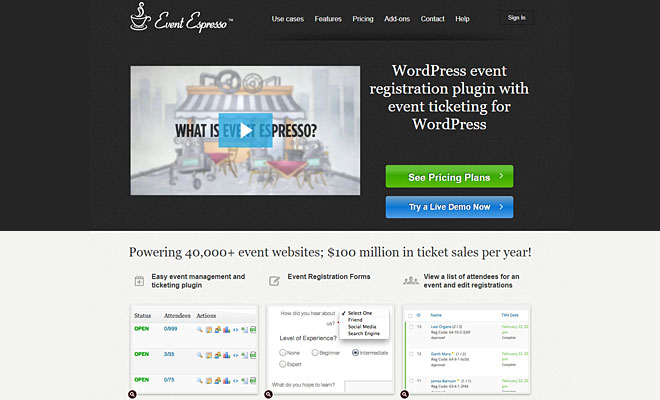
Event Espresso is built for websites that need event registration and paid event management. It can be useful for workshops, education centers, charity communities, gyms, organizers, and other organizations that need to turn a WordPress website into an event registration platform.
With Event Espresso, administrators can manage event setup, ticket options, pricing, attendees, and registration workflows. It is especially relevant when event revenue, attendee tracking, and registration management are more important than simple calendar display.
WP Event Manager
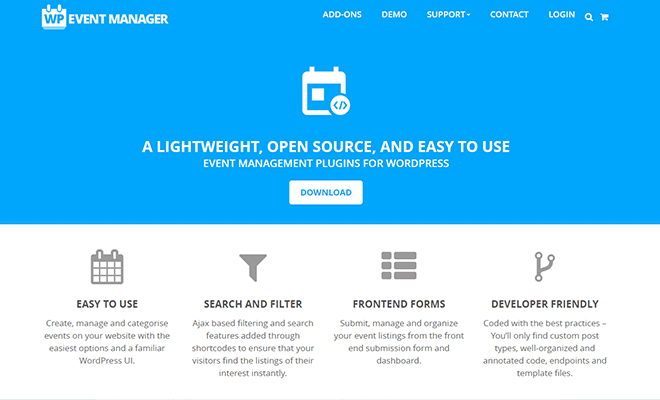
WP Event Manager is built around event listings, event registration, calendar display, and event organization. It gives WordPress users a responsive and SEO-friendly way to display events and support event discovery.
The plugin supports multilingual translations, internationalized support, listing previews, RSS links, and compatibility with a range of WordPress plugins. The Pro version expands the feature set with tools such as calendar display, Google Maps integration, registration forms, and organizer management.
- Event calendar display for upcoming events
- Google Maps integration for event locations
- Registration forms for attendee signup
- Organizer tools for managing submitted events
- WooCommerce ticket selling support through add-ons
Stachethemes Event Calendar
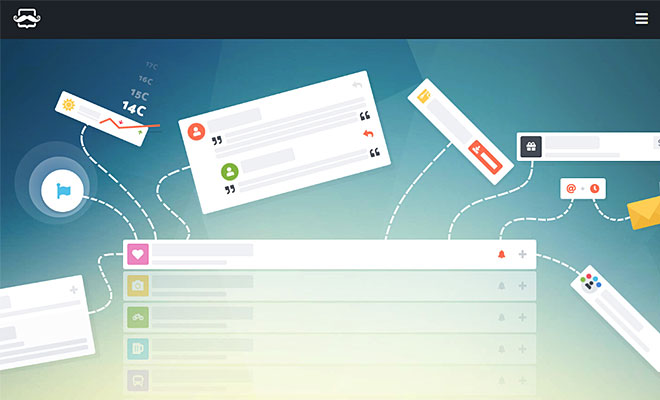
Stachethemes Event Calendar offers a modern approach to the classic event calendar. It is fully responsive and designed to display events in a way that is easy to read, navigate, and manage.
The plugin includes an intuitive interface for submitting events, options to display special guests, WooCommerce integration, weather information, and tools for creating a complete event experience. Its design makes it a good fit for users who want a polished and minimal calendar system.
Calendarize It!
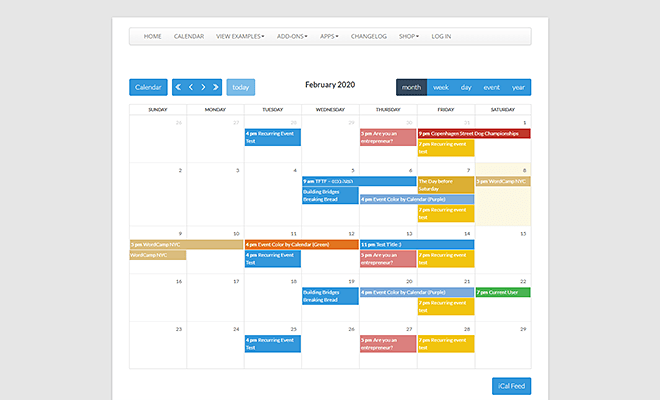
Calendarize It! is a feature-rich WordPress event calendar plugin with customization options for event and calendar templates. It can be used with Visual Composer workflows and includes pre-built designs for users who do not want to build every layout from scratch.
The plugin is useful for website owners who want control over calendar structure, visual design, and event presentation. Its paid version includes more advanced options for creating flexible calendar experiences.
Events Manager
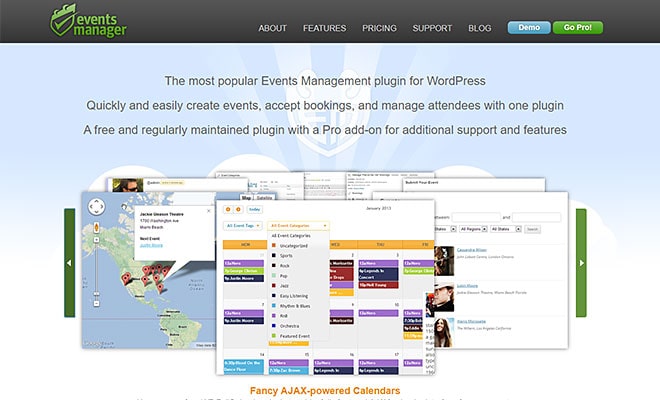
Events Manager is a popular WordPress event management plugin for creating events, accepting bookings, and managing attendees. It includes many practical features for users who want a functional event management setup rather than a purely decorative calendar.
Its important features include booking availability, calendar support, and map integration for venues and locations. A free version is available, while a Pro add-on expands the support and feature set for more demanding event websites.
Event Organiser
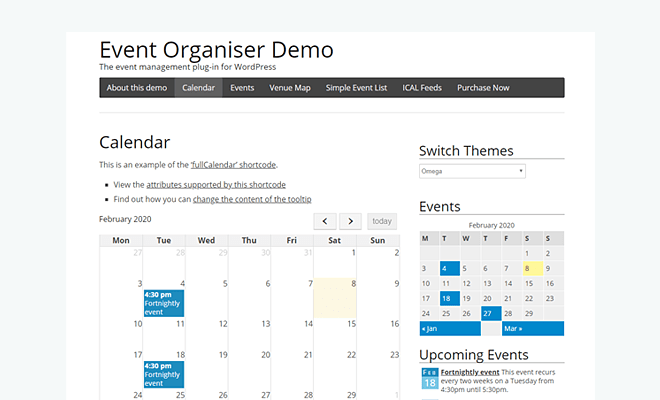
Event Organiser uses WordPress custom post types to help users create and organize events through an intuitive interface. It supports more complex event management workflows while staying close to the WordPress publishing model.
The free version supports venues with Google Maps, content editing, widgets, shortcodes, archive pages, and import/export from iCal files. The Pro version adds options such as event search, booking, custom booking forms, advanced event and venue queries, and payment gateways.
5 Best WordPress Themes for Events Calendar
Sometimes a plugin is only part of the answer. If the entire website is built around events, a compatible WordPress theme can provide stronger layouts, better landing pages, cleaner navigation, event-ready demos, and more complete visual structure.
Deep Premium WordPress Theme

Deep is a fully responsive, retina-ready premium WordPress theme that works well for many website types, including event-focused websites. It includes Modern Events Calendar Lite, which helps users launch an event calendar without needing to install a separate calendar plugin from scratch.
Deep includes an event demo built with Modern Events Calendar Lite, along with tools such as Header Builder, visual page builders, Visual Footer Builder, and additional plugins that extend the website’s functionality.
For users who want a complete site system rather than only a calendar plugin, Deep offers a practical event-ready WordPress foundation.
Divi Multipurpose WordPress Theme

Divi is a long-standing multipurpose WordPress theme with a powerful visual builder and broad template ecosystem. It can be used for event calendar websites that need flexible page design, custom landing pages, and an accessible editing workflow.
Divi offers strong value for users managing many websites, but its wide range of options can feel overwhelming at first. For event websites, it works best when paired with a focused calendar plugin and a clear content structure.
Avada WordPress Theme

Avada is one of the best-known WordPress themes for building modern websites. It includes powerful design tools, demos, templates, and drag-and-drop controls that can support event-focused layouts.
Its Fusion Core functionality and broad demo library make it useful for different industries, from professional services and adventure brands to sports, medicine, and organizations that need event promotion pages.
The7 – Multipurpose WordPress Theme

The7 is a multipurpose WordPress theme with a large feature set, visual layout support, fonts, home page options, skins, header layouts, and background combinations. It works with WooCommerce and can support event websites that also need ecommerce functionality.
One useful feature is that The7 keeps shortcodes separate from the theme itself, helping reduce issues when changing themes later.
Eventagy Event Agency Elementor Theme

Eventagy is designed specifically for event agencies that need an attractive website with event-focused structure. It supports Elementor drag-and-drop design, JetElements, multiple headers, footers, and page-building tools.
The theme also includes free stock images, SEO-friendly code, multilingual support, WooCommerce compatibility, Google Fonts, and design options that help event agencies present services, promote events, and organize appointments with clients.
Conclusion
The best WordPress event calendar plugin is not always the most powerful one. It is the tool that fits your actual event workflow, audience expectations, publishing process, and website structure.
A good event plugin should save time when planning and publishing events, provide visitors with necessary event details, make event management easier, and support the kind of registrations, bookings, ticketing, maps, reminders, or recurring schedules your organization needs.
- Save time when creating and managing events
- Provide visitors with clear event information
- Support bookings, tickets, or registrations when needed
- Display calendars in a responsive, user-friendly format
- Fit your theme, page builder, and long-term website goals